

Whether you are moving, decluttering or safeguarding valuable possessions or devices, it’s important to know exactly what you’re doing when it comes to packing electronics for long-term storage. Electronics are uniquely vulnerable when it comes to situations that call for a month’s-long or even a year’s-long storage solution. Dust, moisture and battery corrosion can permanently damage your treasured electronics or, worse, lead to a fire hazard. With that risk in mind, here’s how to safely pack electronics for long-term storage.
Preparation is Key
Prep your electronics like the treasures they are. To start with, if you are storing a laptop, PC or gaming console, be sure to back up your drives. External drives, USB and cloud storage are ideal for securing your data. You might also want to remove any media before packing electronics such as CDs, SD cards and USB drives so as to prevent possible scratching or damage. All electronic devices should also be turned off prior to storing.
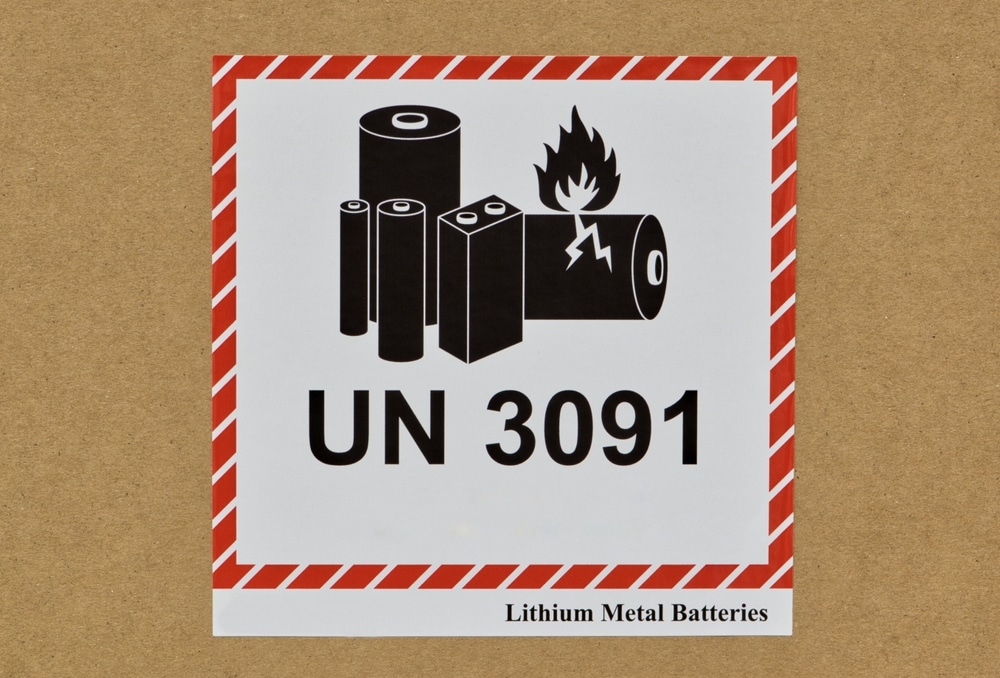
Next on our list of how to store electronics safely is the removal of all batteries from your devices. As mentioned, neglected batteries can corrode, especially when challenged by unchecked environmental conditions such as a warehouse or attic. Batteries should be stored separately. If you have a device with a battery that cannot be removed, such as a smartphone or laptop, then those devices should be stored in a cool location.
How to Pack Your Electronics for Long-Term Storage
Ideally, you will want to store your electronics in the original packaging. Often, this will include foam inserts which are specifically contoured to protect the device. If that is not available, then select sturdy boxes and use bubble wrap, old blankets and, as needed, anti-static foam. Avoid any packing material that might attract static such as plastics or plastic bags.
When packing you will also want to remove all accessories, chargers and cords. Coil and then secure those items with common cable or Velcro ties. Wrap each electronic device carefully.
If you plan on storing your devices in a remote location then pack your transport carefully. Avoid stacking boxes that contain electronics. Provide cushioning in between boxes with whatever you might have handy, such as old blankets or bedding. Fill any remaining gaps with packing materials to prevent shifting. Drive safely.
If you are packing electronics for long-term storage in your home then it is highly recommended that you avoid spaces that are susceptible to extreme temperatures such as an attic, garage or basement. You will want to select a dry, cool and pest-free environment for proper storage. Also, it’s not a bad idea to check on your stored devices from time to time. If caught early, corrosion and moisture can be contained. This can also mitigate fire risk as you can check for the “pillowing” of lithium batteries in your devices. Otherwise, you risk permanent damage to your sensitive devices.
If you have any questions or concerns at all about how to store electronics safely, please drop us a line or give us a call. One of our storage experts will be happy to help you create the perfect checklist for your electronics. Sam Store and Move is Dallas-Fort Worth’s most trusted storage and moving solutions provider. We are here for you 7 days a week to answer all your moving and storage questions and concerns. Get your quote today using the form on this page.